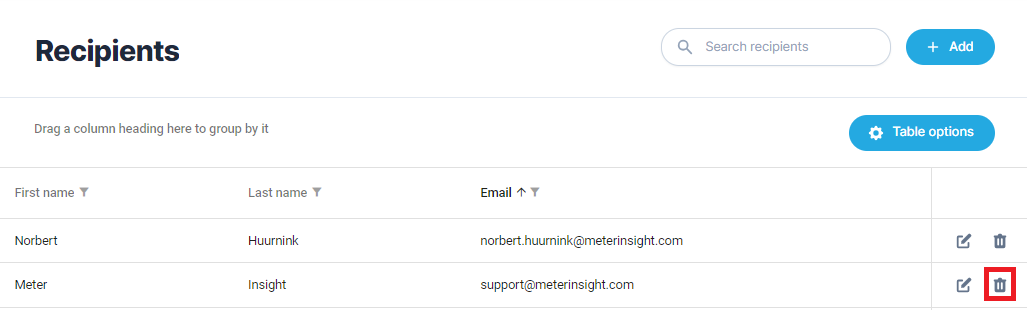
To send reports periodically, it is necessary to configure a schedule and assign recipients to these reports. This page provides a detailed explanation of how to set up a recipient. Information about adding and managing a schedule is available on the Schedules page. For a complete overview of the settings required for scheduling a report, you can look at the Overview chapter on the schedules page.
¶ Create recipient
To schedule a report periodically, you must first create the desired schedules. Then you can follow the next steps:
- Click on the [Add] button
- Select an existing user by checking "Existing user" or a new contact by entering a first name, last name and email address
- Click [Next]
- Select the desired organization, locations or buildings for which the recipient may receive reports
- Click [Next]
- Select schedules for which this recipient will receive reports
- Click [Save]
¶ Connection with planning
The two settings that are important to keep an eye on are:
- the link between the planning and the reports that the recipient may receive, and
- the link between the selected meters and the associated objects.
For more information about setting a schedule, go to the Schedules page.
¶ Remove receiver
To ensure that a recipient no longer receives any reports, you can delete the recipient. This only deletes the recipient, so if the user still exists in MeterInsight, they can still log in. You can delete a recipient by clicking on the trash can icon. A pop-up will then appear asking if you are sure you want to delete the recipient.