To download documents, such as an EBS report or measurement data, the desired configuration must first be completed. The type of report, the period and the meters are important here.
¶ Generate document
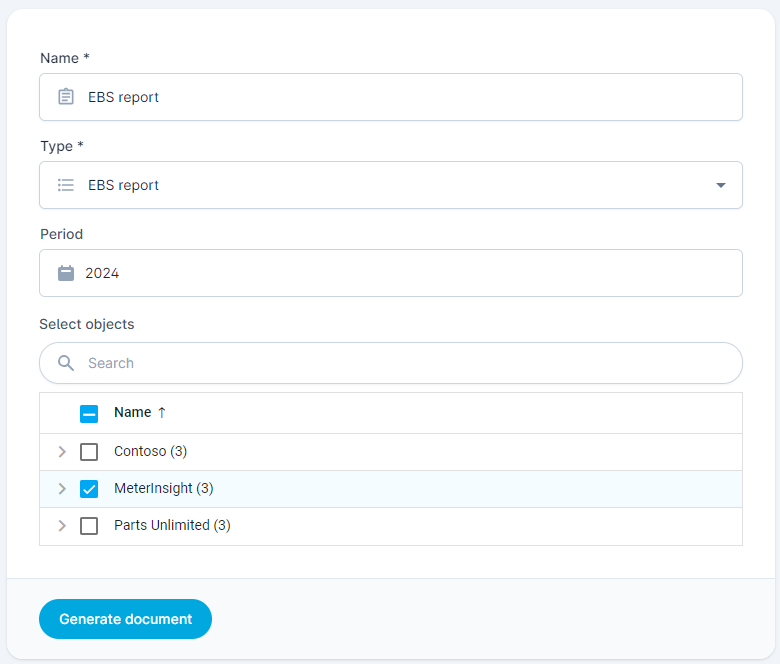
To generate a document you can follow the following steps:
- Click on the [Generate document] button
- Enter a Name for the document
- Select the report type (see Report types for more information)
- Select the desired period (e.g. 2024 or February 2024)
- Select the meters or objects for which the report should be generated
- Click on [Generate document]
¶ Report types
To give an impression of the different reporting types, the Schedules page lists the different types of reports that can be planned as well as downloaded. Some reports cannot be scheduled and can only be downloaded via this page:
Format: doc
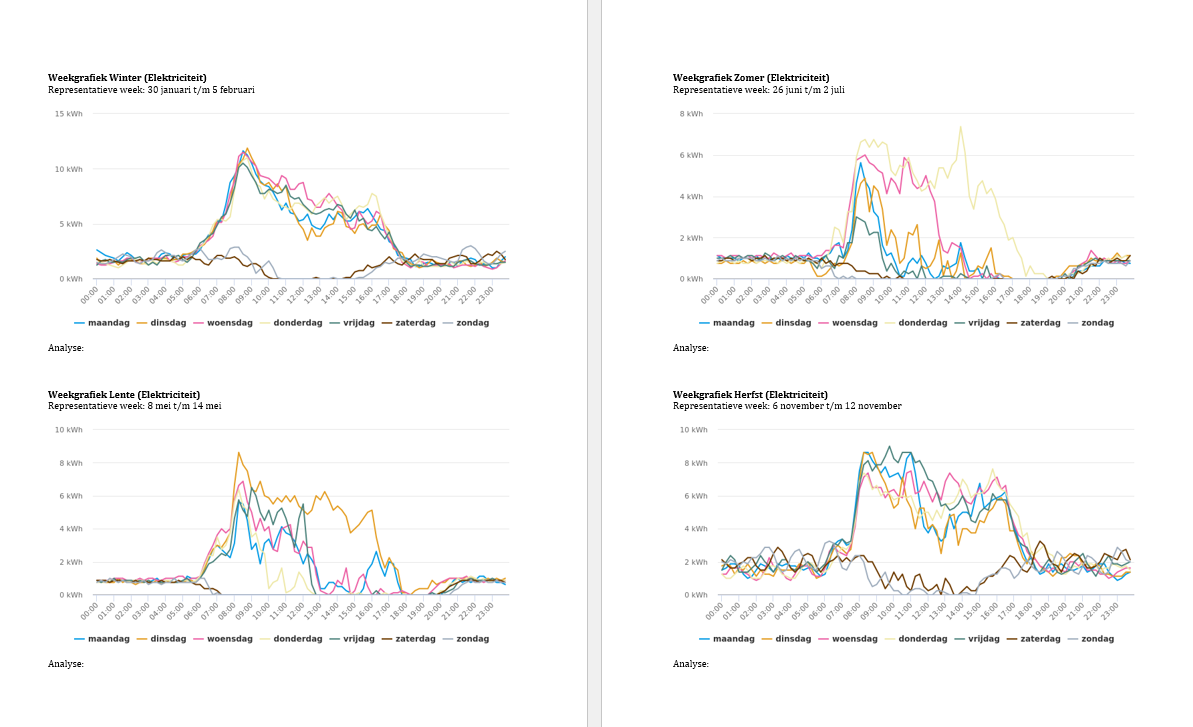
The EBS report is a Word report that still needs to be edited and consists of a number of graphs of smart meters in a building. This document is one of the measures in the erkende maatregelenlijsten of the RVO and can be used as a basis for every year to report on the functioning of the climate installation.
The report shows the following components by default:
- Basic information about the building (like name, meters).
- Graphs with the consumption in a representative week per season per product.
- Graphs with the consumption during holidays during the week per product.
- A plot of the consumption during opening hours compared to the outside temperature per product.
A representative week in a season is the week closest to the season's average. It could happen that the representative week differs per product.
The generated report is incomplete. The receiver needs to complete it with building data and analysis.
Format: doc
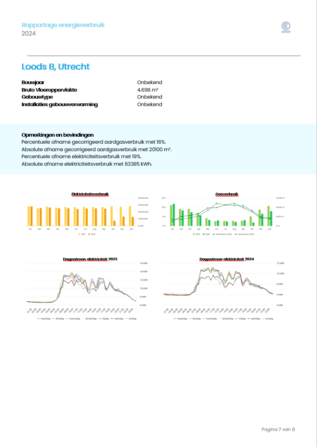
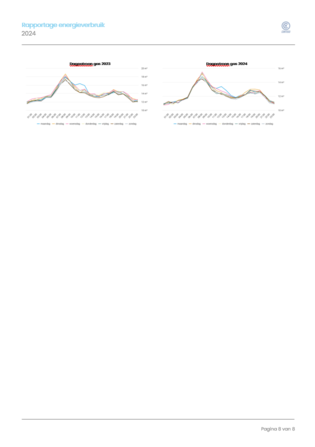
The multisite report with building analysis is based on the multisite report, but also includes a page with details for analysis for each building with a sufficiently different consumption compared to the previous year (depending on the configured parameters).
This report is provided in .docx format, making it editable. The report can only be generated via "Download" and cannot be scheduled.
Example of a multisite building analysis report (addendum to the multisite report)
 |
 |
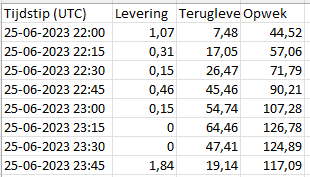
Format: xlsx of csv
Additional options for measurement data:
| Options | Description | |
|---|---|---|
| Interval | Raw consumption data, Hour, Day or Month | The interval/granularity of the desired data. Choose raw consumption data to download the smallest granularity, for example to get the quarterly data for electricity |
| Time display | UTC or Local | The time display. Choose Local for Dutch time |
| Format | Excel or CSV | The format in which the measurement data is supplied. Excel will generate an .xlsx file and CSV a .csv file. For large amounts of data, it is best to use CSV, because this file type is smaller |
| Directions | Delivery, Return and/or Generation | The channels or directions for which the consumption data must be supplied. It is possible to use multiple options. |
Format: xlsx
