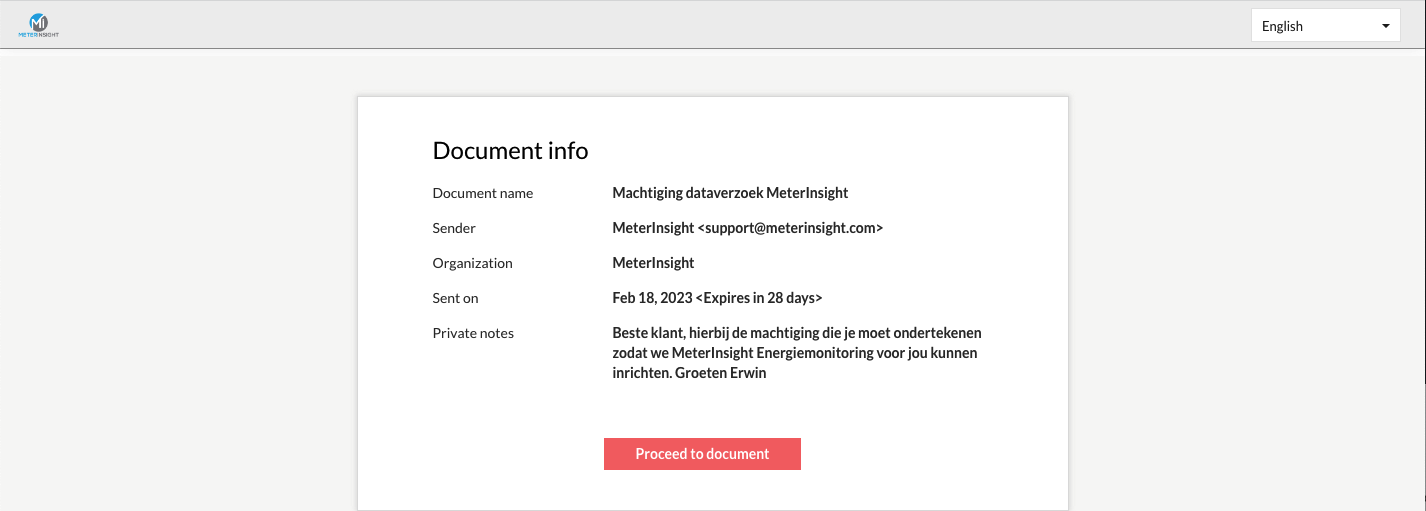
¶ View mandates
If you click on "Mandates" in the left menu bar, you will see an overview of all mandates. At the top right you can use the search field to search in all columns of the table, such as EAN.
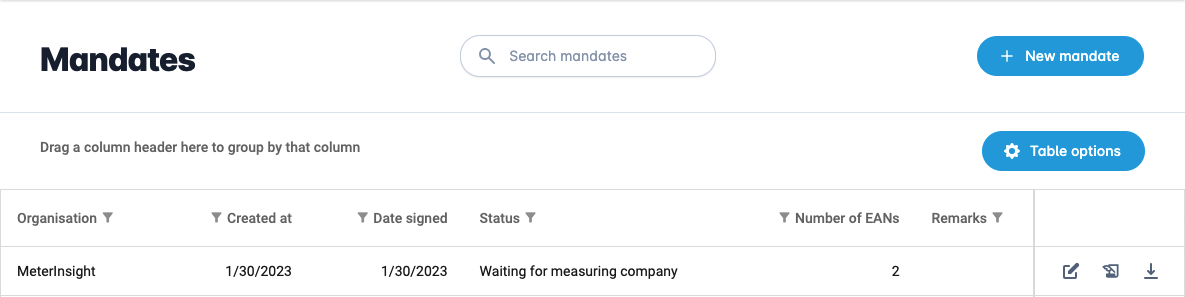
With the "Details" button on the right you can see more information about the mandate.

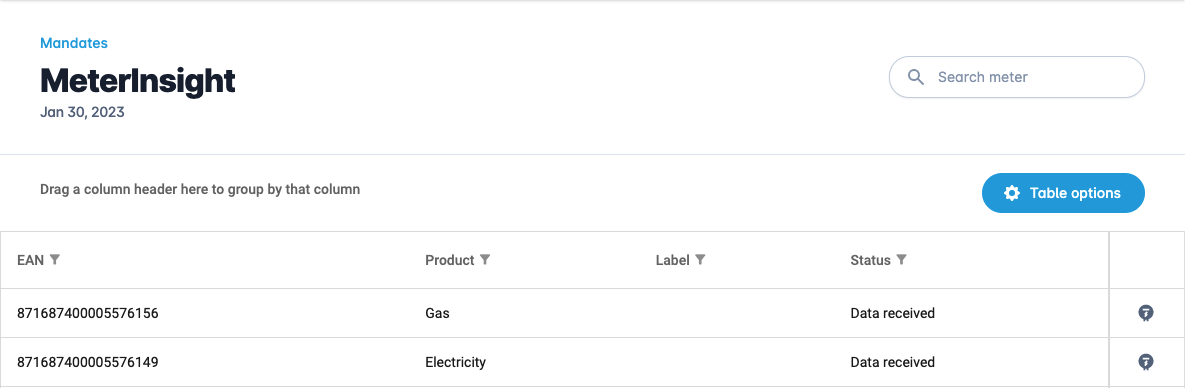
On this "Details" page you can see more information such as the EANs associated with the mandate and the status per EAN. With the button "View meter" on the right you can click directly to the relevant meter.
With the "Download mandate" button you can download the PDF of the mandate.

You can update the mandate with the "Edit" button on the right.

With the "Revoke" button on the right you can revoke the mandate.

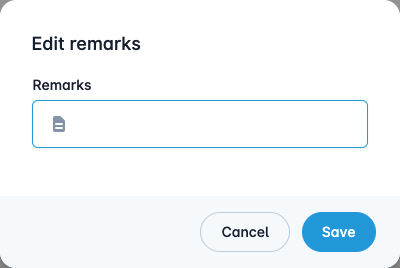
If the mandate has already been sent, it is only possible to edit the comments. You will then see the following pop-up screen.
¶ Add new mandate
You can add a new mandate by pressing the "New mandate" button.

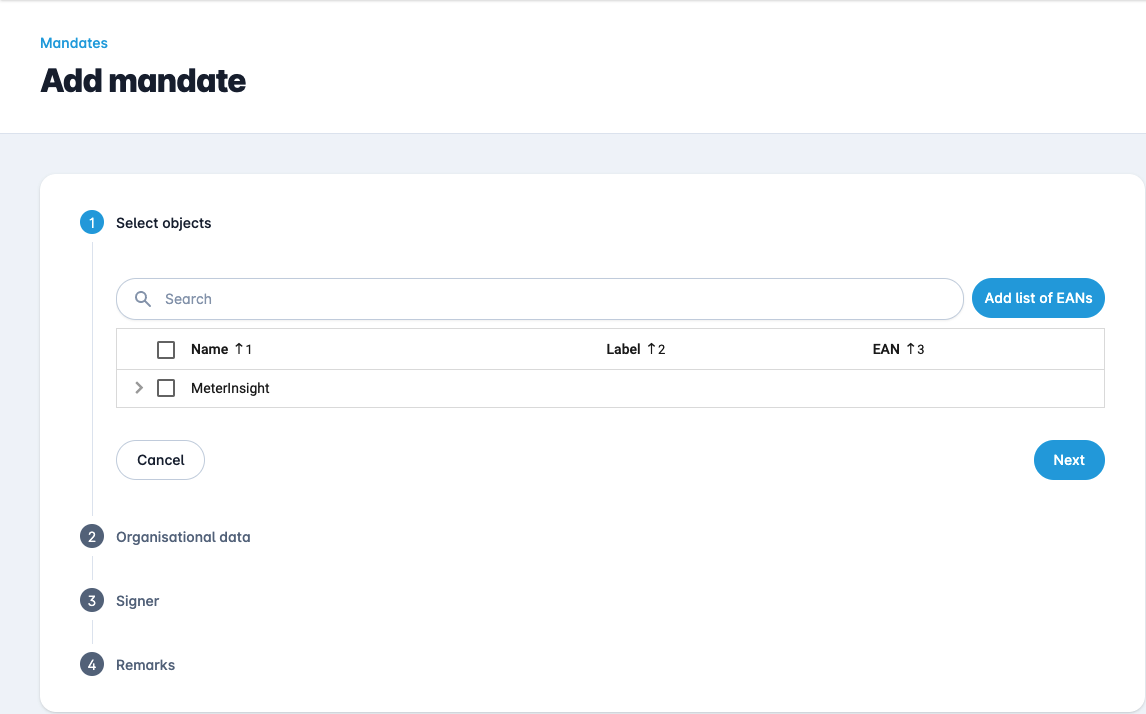
This opens the form below, which you must complete in 4 steps.
1. Select the objects affected by this mandate.
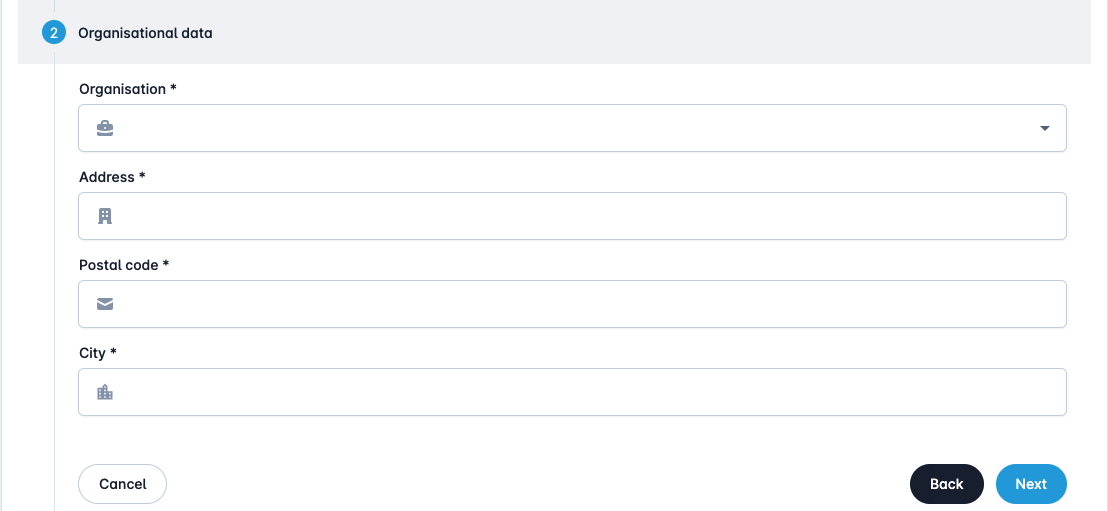
2. Enter your organisation details, such as organisation, address, postal code and city. NB! The organisation name must be the same as the metering company contractor.
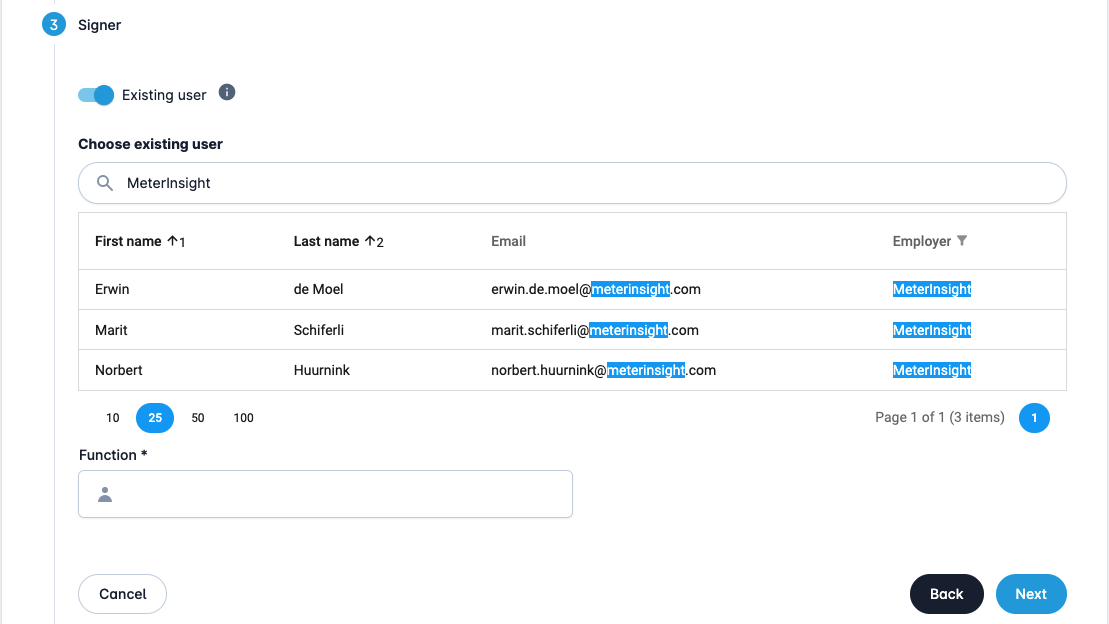
3. Choose a signer. This can be an existing user of the platform as below.
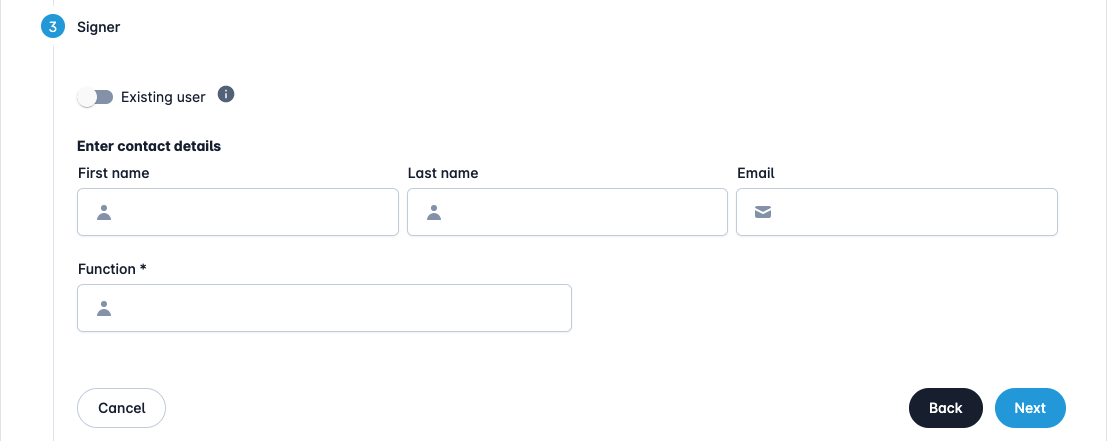
This can also be a non-existent user, where you have to enter the name and e-mail address.
4. Fill in the comments for yourself and your colleagues in the "Remarks for system administrator". You can also send a message to the signer that will be included in the email request.
It is also possible to add additional files, which will be sent bundled with the generated digital mandate. For example, you can combine an existing mandate from the customer with a digital mandate that you sign yourself.
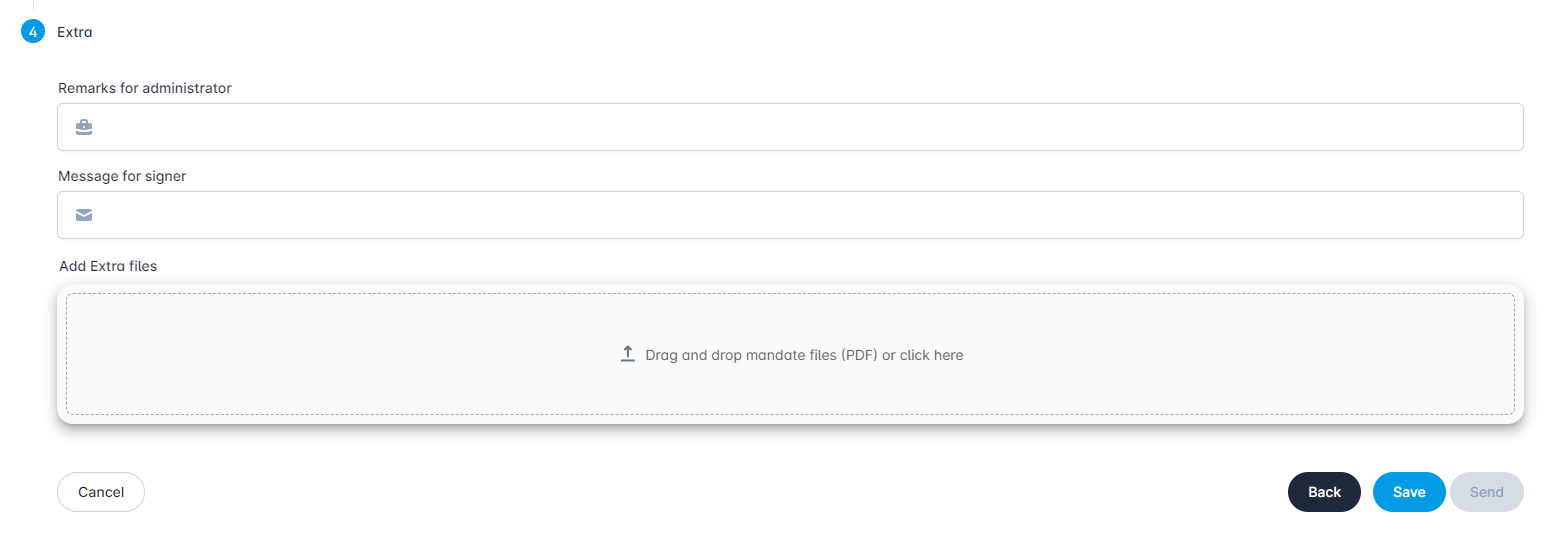
The "Save" button saves the mandate, but does not send it yet. The "Send" button sends the mandate directly to the signer.
If the mandate has been sent, the signer will receive an email with the subject "Mandate data request MeterInsight from of environment".
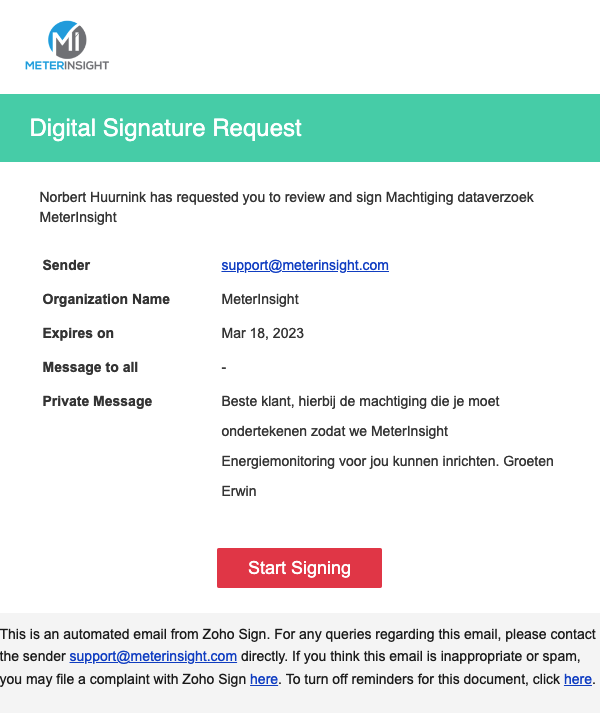
By clicking on the link in the e-mail, you can digitally sign it via the web page.