¶ Download mobile app "MeterInsight"
The mobile app can be used to submit analog meter readings to our platform. There are several steps you have to follow. First install our app called "MeterInsight" from the Apple App Store or the Google Play Store. Search for the word "meterinsight".
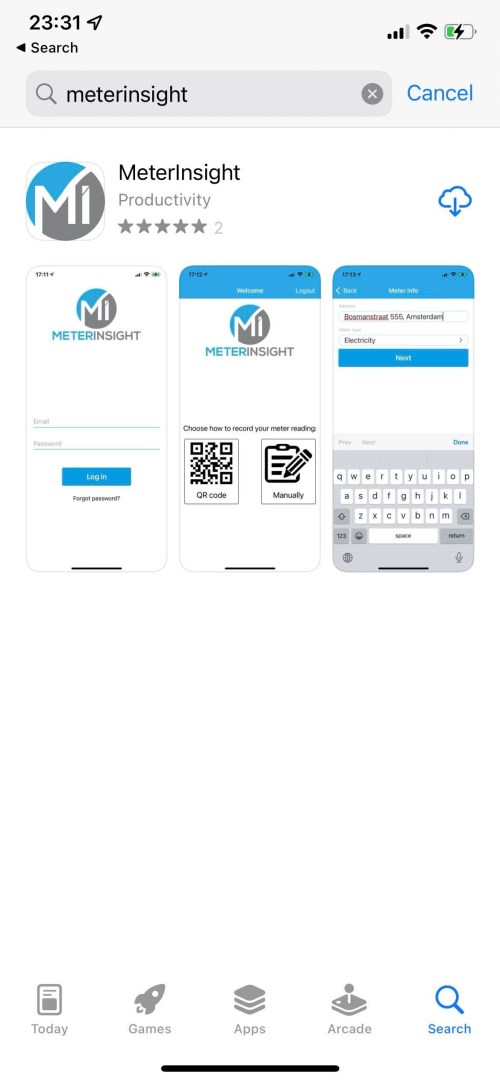
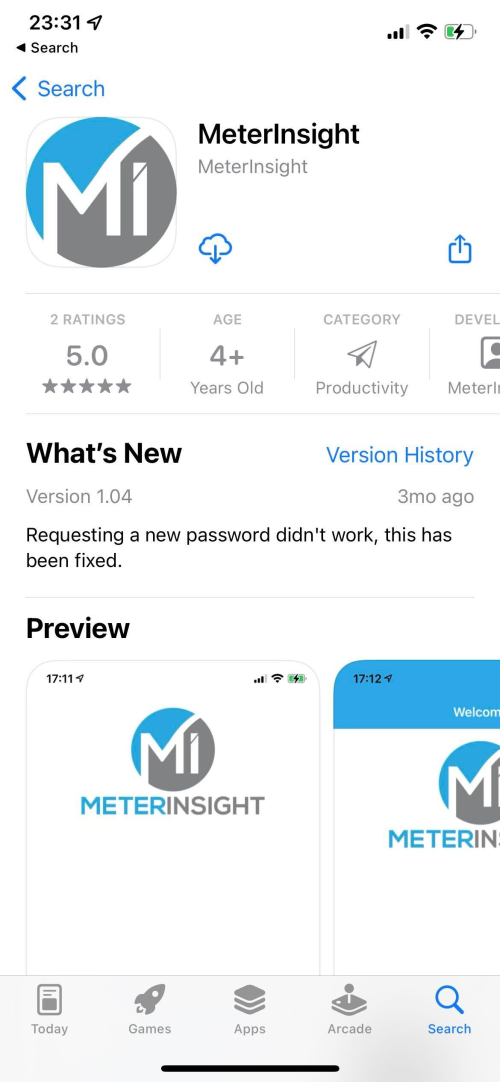
Then click on our app to view additional information and the latest release notes. Now click on the download button, or download the app directly from list on the first search page.
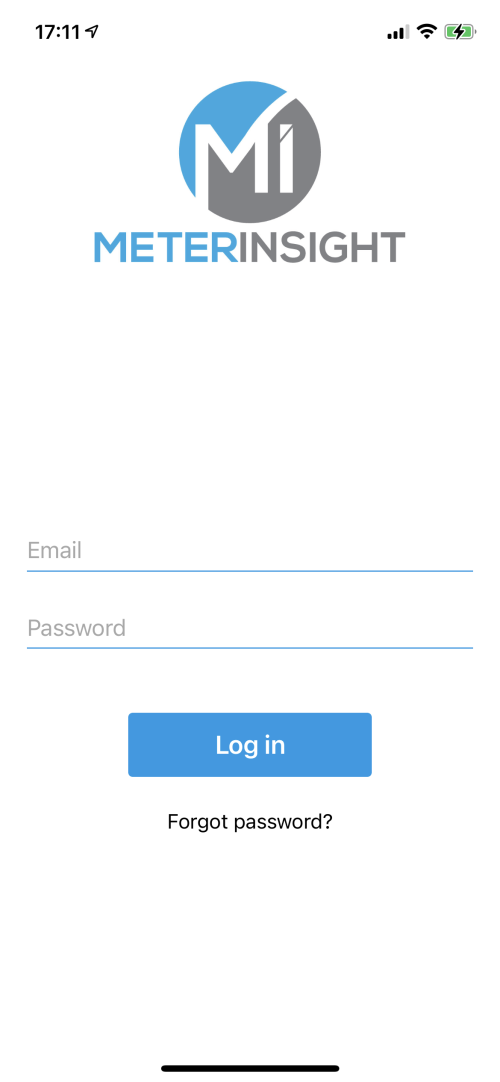
¶ Login
Now login to our platform using your login credentials.
¶ Record meter reading
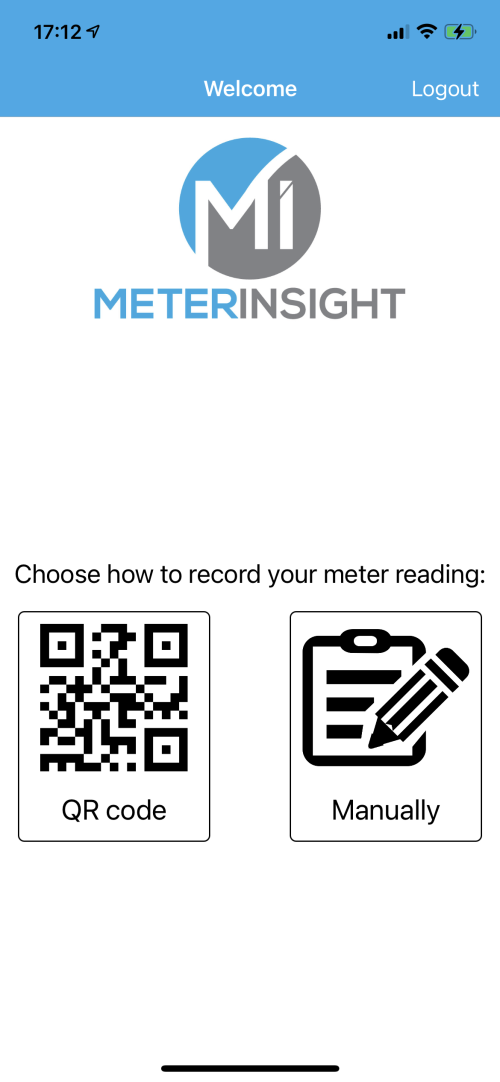
You can choose between two recording options, QR code and manually. If there is a MeterInsight QR code present, select QR code. This will automatically link your meter reading to the correct meter and go straight to taking a picture of the meter.
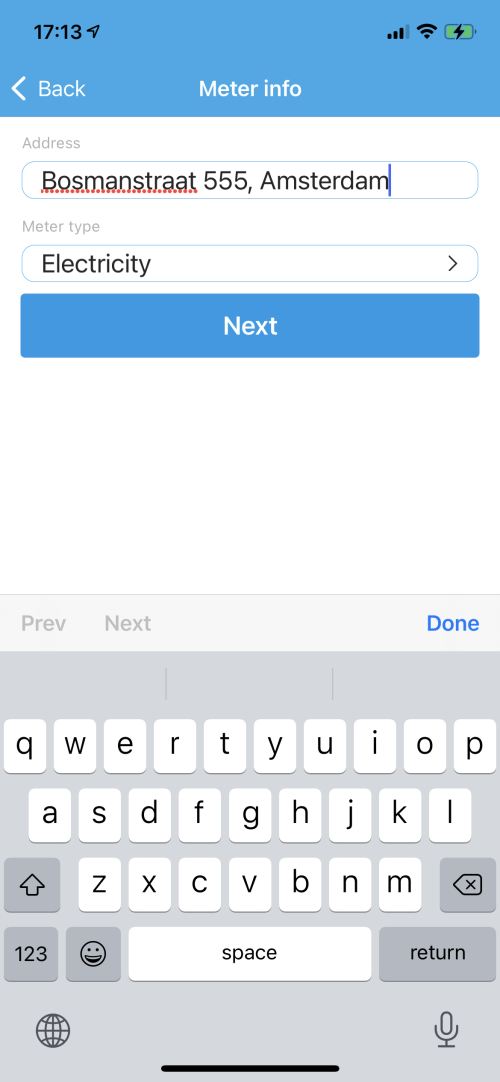
In the following screen we will demonstrate the manual option. This step is skipped when you choose "QR code". Here you have to fill in the address of the building and the meter type, for example electricity.
¶ Take a picture
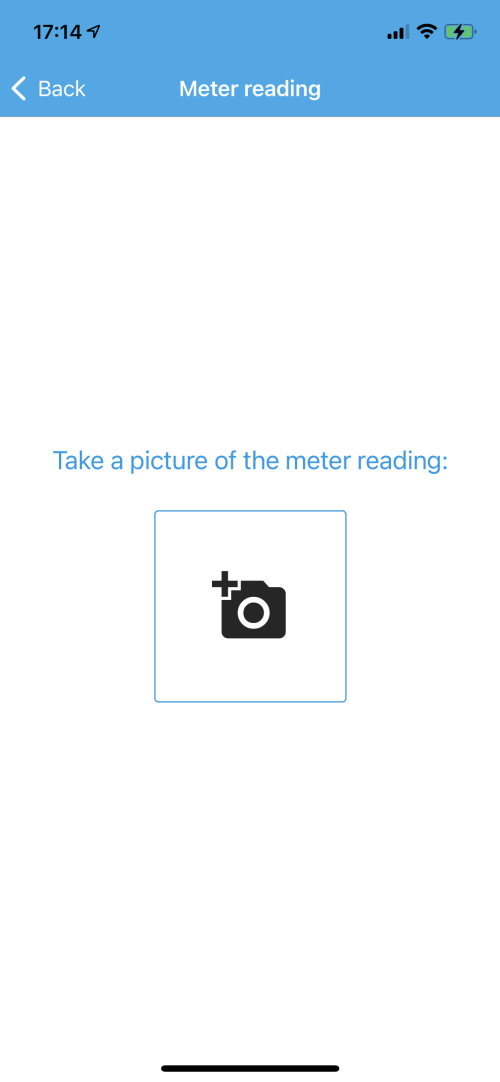
Now you take a picture of the meter reading. This picture can be used later to verify if the correct meter reading has been recorded and can be used as proof.
¶ Enter meter reading
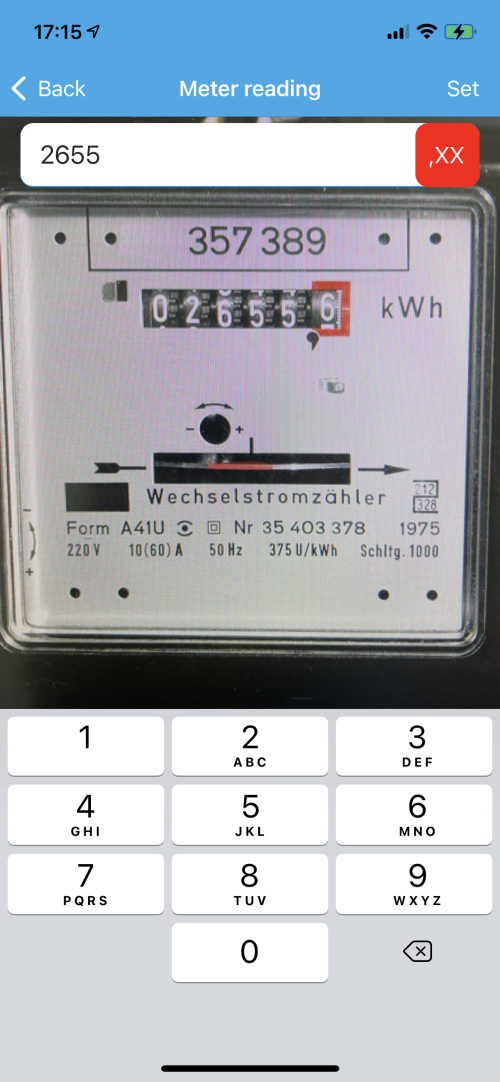
Now enter the meter reading that you've just taken a picture of.
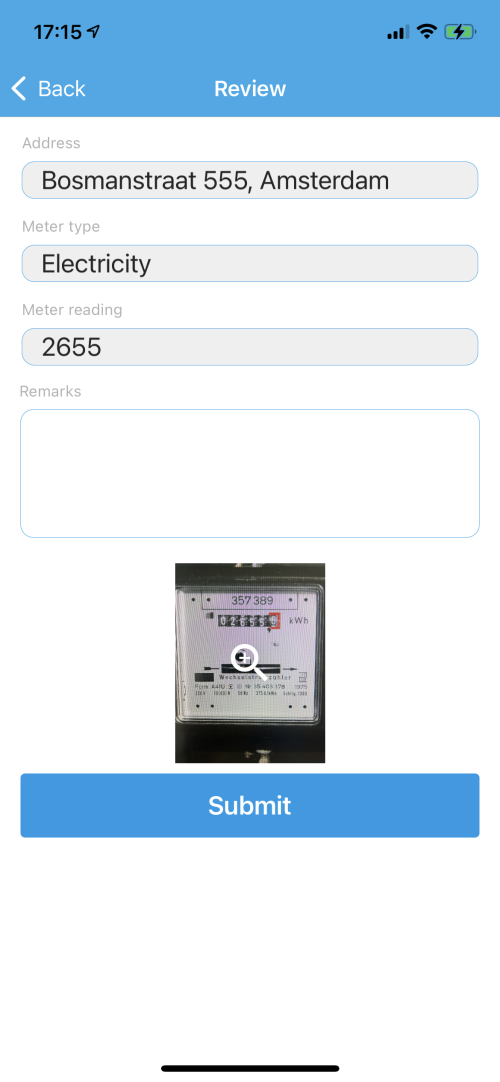
¶ Review and submit
Here you can review the data you've entered. If everything is in order, click on the "Submit" button to send the meter reading to our platform.